Product Engineering
Building a Native Insurance Billing App for Mutuelle de la Corse
Case study overview
- Role
- iOS product engineer directly responsible for the billing journey, health-card scanner, manual fallback, navigation integration, and supporting components.
- Context
- A dedicated native application for insurance professionals submitting sensitive billing information and managing account services.
- Challenge
- Turn camera recognition, patient information, service selection, session state, and backend submission into a workflow that never implies success prematurely.
- Contribution
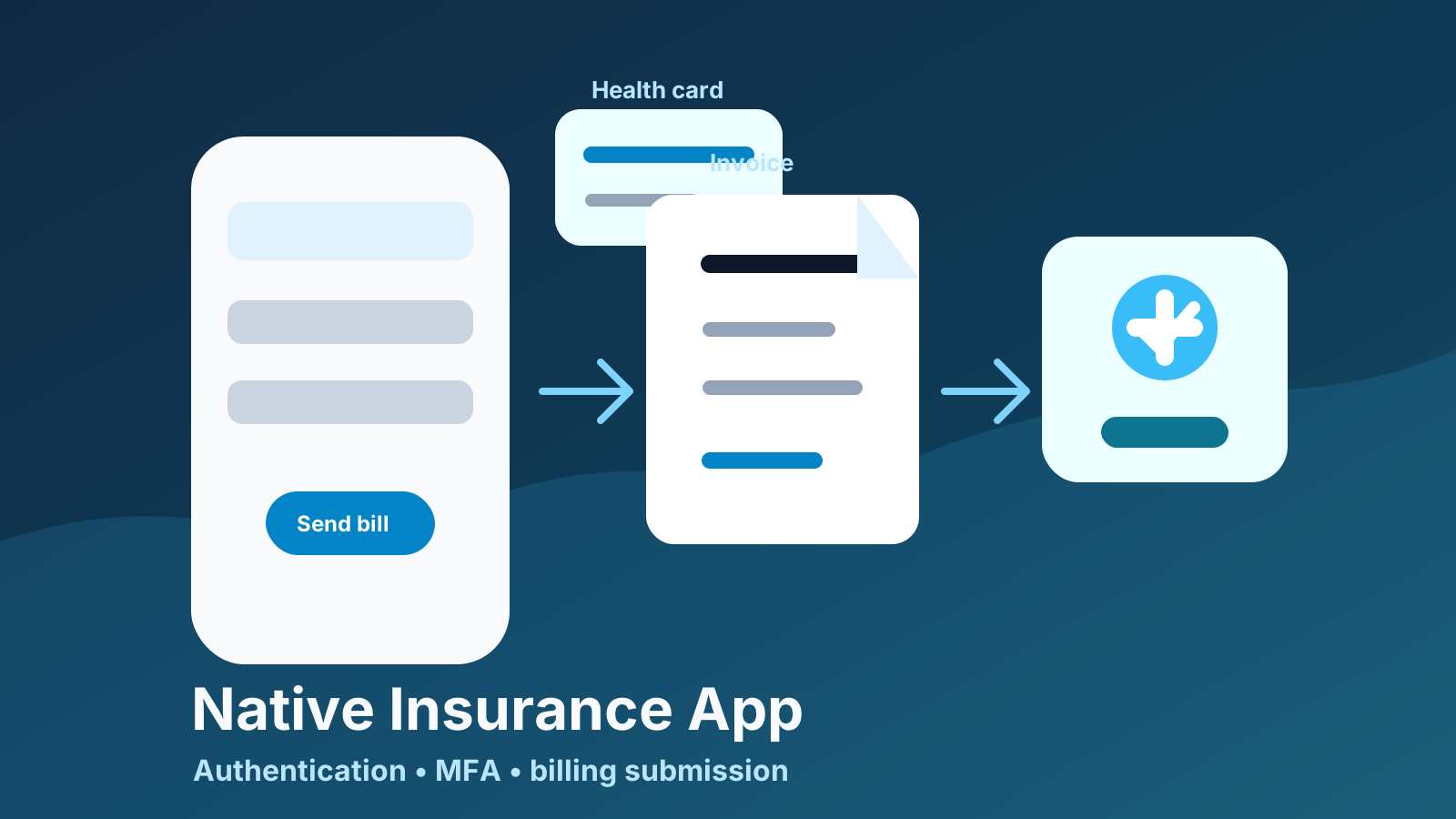
- Built the Vision-based card capture, shared manual path, model-driven billing form, submission transitions, and recoverable error behavior around the wider account architecture.
- Outcome
- A billing flow where accelerated capture remains optional and the confirmation screen represents a backend-confirmed invoice rather than an optimistic UI transition.
Most of my work at GoodBarber was on the shared iOS engine: reusable systems, layout infrastructure, plugins, subscriptions, performance, and platform integrations.
The Mutuelle de la Corse project required a different mindset. It was a native iOS application for a specific insurance workflow, where the job was to make a sensitive administrative task understandable and dependable on a phone.
I worked directly on the billing journey, health-card capture, its manual fallback, application navigation, and the supporting UI and data components around those flows. Authentication and multi-factor authentication were part of the wider application architecture that those screens had to respect, rather than features I claim as mine alone.
The Context
The app was designed for Mutuelle de la Corse, an insurance provider. Its purpose was to let users access account services and submit billing documents from a native mobile experience.
The app included workflows such as:
- login
- multi-factor authentication
- password recovery
- recovery codes
- home/dashboard access
- service selection
- health-card scanning or manual entry
- invoice submission
- profile information
- password and MFA management
This was not a generic content app. A user needed to know whether they were authenticated, whether the information on screen was valid, and whether a billing request had actually been accepted. Correctness, clarity, and recovery paths mattered more than visual novelty.
Treating the Workflow as State
The main challenge was not building a sequence of forms. It was making each state explicit and preventing the user from moving forward with partial or stale information.
Insurance billing has many states:
- the user may or may not be authenticated
- MFA may be required
- profile data may need to be fetched or updated
- services may need to be selected before sending a bill
- the user may scan a card or enter information manually
- invoice submission may succeed or fail
- API errors may require logout or retry
- the app must handle sensitive data carefully
The app therefore treated the workflow as a set of transitions rather than a loose collection of screens. A service had to be valid before the billing action was enabled. A successful submission had to come from the backend before the user saw a confirmation. An authentication challenge had to keep its temporary context until the final verification step completed.
Authentication and MFA as Application Context
Authentication was a central part of the project, and the billing work depended on its state even though the complete authentication feature was shared work.
The sign-in flow did not always end in a logged-in user. It could return a completed session or a multi-factor challenge with the available methods and an intermediate session token. The UI could then route to method selection and code confirmation without pretending that authentication was complete too early.
I centralized the resulting account state in a user manager rather than letting every controller carry its own session assumptions. After a completed login, it refreshed the account information, services, and configured authenticators. On an unauthorized response, the same path cleared the cached user and invoice data, notified the application shell, and returned the user to a forced login state. That meant an expired session could not leave the app showing a convincing but invalid account screen.
Password changes, recovery codes, and authenticator management followed the same rule: backend state leads, and navigation reflects the confirmed result. For the parts I built, the important contract was simple: billing only starts from a valid account state, and an unauthorized API response must invalidate the local workflow instead of leaving a sensitive screen active.
Capture with a Real Fallback
Health-card capture was designed as an accelerator, not a requirement. I implemented it with AVCaptureSession and Vision text recognition. Session setup and execution run on a dedicated queue, while video frames are processed on a separate output queue with late frames discarded. Recognition is limited to the card-shaped region visible in the preview instead of processing the entire camera frame. The coordinate conversion also accounts for UIKit and Vision using opposite vertical origins.
The recognizer validates candidates before returning one to the workflow. Once a valid social-security number is found, the capture session stops before the scanner dismisses and passes the value back. Invalid recognition presents an explicit retry or cancel decision instead of continuing with uncertain data.
That fallback mattered. Scanning conditions are imperfect, and a camera-based flow is only useful when it makes the task easier than typing. The manual path had to produce the same usable identifier as the scanner rather than becoming a second-class route through the application.

Making Submission Unambiguous
The billing form assembled the selected service, its amount, the execution date, and patient information into an invoice model. The validation action follows the model’s service validity rather than relying on whether fields merely look populated. Optional location coordinates are normalized before submission, and the social-security number is stripped of presentation whitespace at the API boundary.
On submission, the screen remains in place on failure and shows an actionable error. It advances only when the backend returns a confirmed invoice and its confirmation URL. That makes navigation part of the correctness model: pushing the confirmation controller is evidence of a successful server response, not a side effect of tapping the button.
This distinction is important in administrative products. A button tap is not proof that an invoice exists. The confirmation screen must represent a backend-confirmed result, while a failed request should leave the user with a clear recovery path rather than an ambiguous half-completed flow.
One Boundary for API State
The API layer gave the app a single place to describe endpoints, request methods, session headers, JSON payloads, and decoded error messages. The higher-level user manager then translated those responses into application state: account details, available services, invoices, and authenticator configuration.
This separation kept the view controllers focused on their workflows. They did not need to know how a session token was attached or how an error payload was parsed. They could ask the manager to create an invoice, update a profile, or manage an authenticator and respond to a success or failure state.
The invoice list also had a deliberately narrow offline behavior: the first page could fall back to cached invoices after a network failure, while creation still required a confirmed backend response. Cached history can help someone understand previous activity; it must never be used to imply that a new billing request succeeded.
Reliability Was the Product Feature
This project sharpened the difference between platform engineering and product engineering. In a reusable engine, the question is often how to make a feature configurable. In this app, the question was whether a person could complete a sensitive real-world task without being misled by a stale session, an invalid scanned value, or an unconfirmed submission.
The answer came from explicit states, a single owner for account data, a real manual fallback, and a confirmation that represented the backend result rather than optimism in the interface.
Continue reading
Related engineering work
Privacy Engineering
Building Privacy-Aware Feature Gates in a White-Label iOS Engine
Privacy-aware feature gates for age declaration, child protection, consent interpretation, and tracking-safe behavior across a white-label iOS engine.
Performance Engineering
Reducing Image Memory Pressure in a High-Volume iOS Content Engine
A measured investigation into image memory pressure and the introduction of display-sized decoding in a high-volume iOS image pipeline.